How to Film and Self-Analyse Your Own Running Form: A Five-Point Checklist
You don't need a coach standing trackside to check your running form — your phone is enough. Film yourself from the side, then from the front or back, running at your normal easy pace with the slow-motion setting switched on. Work through a five-point checklist afterwards — head, arms, torso, footstrike, stride — one pass at a time, rather than trying to catch everything in a single viewing.I get some version of this question every week from runners in my coaching group: how do I actually check my own form without paying for a gait analysis? This is the exact process I'd talk you through in person, broken down so you can run it yourself.
Why Self-Filming Is Actually Worth Doing
"Get someone to film you" is a fine start, but it leaves you standing there afterwards with a clip and no real idea what you're looking at — this page is the full walkthrough that tip is pointing to.Video shows you things you can't feel mid-run: your arm crossing your body's midline, your head dropping in the last mile, a stride that reaches further out in front than you'd guess. What it can't tell you is what's happening inside your joints, or whether a pattern is actually building towards an injury — that's a job for a clinician, not a smartphone. Self-filming is a self-check tool, not a replacement for professional gait analysis, but it catches the issues that matter most at your stage.
This page assumes you've already got the basics of good running form down. If you haven't, start there first, then come back and check it against your own footage.
Camera Setup: Angle, Height and Frame Rate
Three angles show you three different things, so don't settle for just one. Side-on — camera at hip height, about 10-15 feet away — is where you'll spot overstriding and a forward lean. Front-on picks up arm crossover and hip drop. A rear view catches foot crossover and pronation cues you'd otherwise miss completely.Prop your phone against something stable, or spend £15-20 on a cheap tripod. A friend holding the camera rarely holds it still, and a shaky shot makes everything harder to judge. Use your phone's slow-motion mode too, ideally 120-240fps. Standard video runs too slow to catch a footstrike properly — it happens and disappears in a fraction of a second.
Treadmill vs Outdoor: What Changes When You Film
A treadmill is the easier place to film, but it isn't quite the same as filming outdoors. The belt's fixed pace shortens your natural stride variability, and indoor lighting — plus the mirrors most gyms have — can distort what you actually see on screen.Treadmill footage is genuinely useful for controlled, repeatable side-angle shots, since nothing else changes between sessions. But don't treat it as the full picture. Film one outdoor session too if you can, especially before anything race-specific or long-run-related — that's where your outdoor form actually gets tested.
The Full-Body Checklist: What to Look For
This is the part that actually matters — a genuinely full checklist, not one or two examples plucked out to sound helpful. Go through it point by point, on one clip at a time, rather than scanning for everything at once.| Check | What Good Looks Like | Watch For |
|---|---|---|
| Head | Level, eyes forward | Dropping, or tilting back |
| Arms | Bent around 90°, swinging front to back, relaxed hands | Crossing the body's midline |
| Torso | Slight forward lean from the ankles | Hunching at the waist |
| Footstrike | Landing under the hips | Reaching out ahead of you (overstriding) |
| Hips / Stride | Minimal side-to-side hip drop, quick and light cadence | Visible hip drop, a slow bounding stride |
From What You See to What You Actually Do
Spotting a pattern is only half the job. Here's what to actually do about each one.Overstriding: try a small cadence increase first — 5-10% is plenty. Don't force a big change in one go.
Arm crossover: cue yourself with "straight arms, front to back" on your next few easy runs, then work through drills matched to a specific weak point if the cue alone doesn't stick.
Head drop or a hunched torso: this is usually fatigue talking, not a technique flaw. See form changes late in a run for what to do about it.
Visible hip drop: this one's different. It's usually a strength or stability issue, not something a cue fixes on its own. If it's persistent, it's worth having a coach or physiotherapist look at it in person rather than trying to self-correct.
Free and Paid Tools for Automated Analysis
You don't need to spend anything to do this properly. Your phone's native slow-motion camera, plus scrubbing through frame by frame, covers everything the checklist above asks of you.A step up from that, free or low-cost apps overlay stride metrics or let you compare two clips side by side — useful if you want the numbers, not essential if you don't. Paid, AI-driven gait analysis apps go further again, tracking joint angles automatically and quantifying what the checklist only estimates by eye.
My honest read: a true beginner doesn't need to pay for any of this. The visual checklist is usually enough at this stage. Paid tools earn their cost more for runners coming back from injury, or performance runners chasing marginal gains, than for someone three weeks into running.
Build the Habit: Re-Filming to Track Progress
One video tells you where you stand today. It's the re-film, weeks later, that tells you whether anything's actually changed.Re-film every 4-6 weeks, under the same conditions — same route or treadmill, same easy pace — so you're comparing like with like. That's how you'll actually know whether a cue or a drill from drills matched to a specific weak point is taking hold, rather than something you tried once and forgot about.
Frequently Asked Questions
What's the best camera angle to capture running form — side, front, or behind?
All three tell you something different. Side-on shows overstriding and forward lean; front-on and rear views show arm and hip symmetry.
Do I need a tripod, or can someone just hold the phone?
A cheap tripod, or propping the phone against something stable, beats a handheld shot — it keeps things consistent across re-films.
Can I get accurate gait analysis from my phone, or do I need a professional?
Phone footage is enough to catch the common beginner issues on the checklist. See a professional for persistent pain or a suspected biomechanical issue.
Should I film myself at easy pace, race pace, or both?
Start with easy pace, since that's most of your training. Add race-effort footage later if your form breaks down under speed — see running form for hills and speedwork for what changes at effort.
Are free running form analysis apps accurate enough to trust?
Good enough for visual checks like crossover, head drop, and overstriding. Paid artificial intelligence (AI) tools add quantified metrics most beginners don't yet need.
So: three angles, one checklist, and a plan for what to actually do with what you see — that's the whole process. Re-film in a month or so and you'll know if it's working.
Five minutes with your phone tells you more than guessing ever will. :)
Some Other Pages You May Like
About the author
Dominique de Rooij (Dom)
Advanced Running Coach certified by Athletics Australia with 20 years of writing about running and over a decade coaching runners — from first-timers to marathoners. Dom's beginner programs have guided thousands of runners and been praised above plans from Jeff Galloway, Hal Higdon, and Runner's World. Now over 50, Dom still loves trail running, parkrun, and the coffee after.
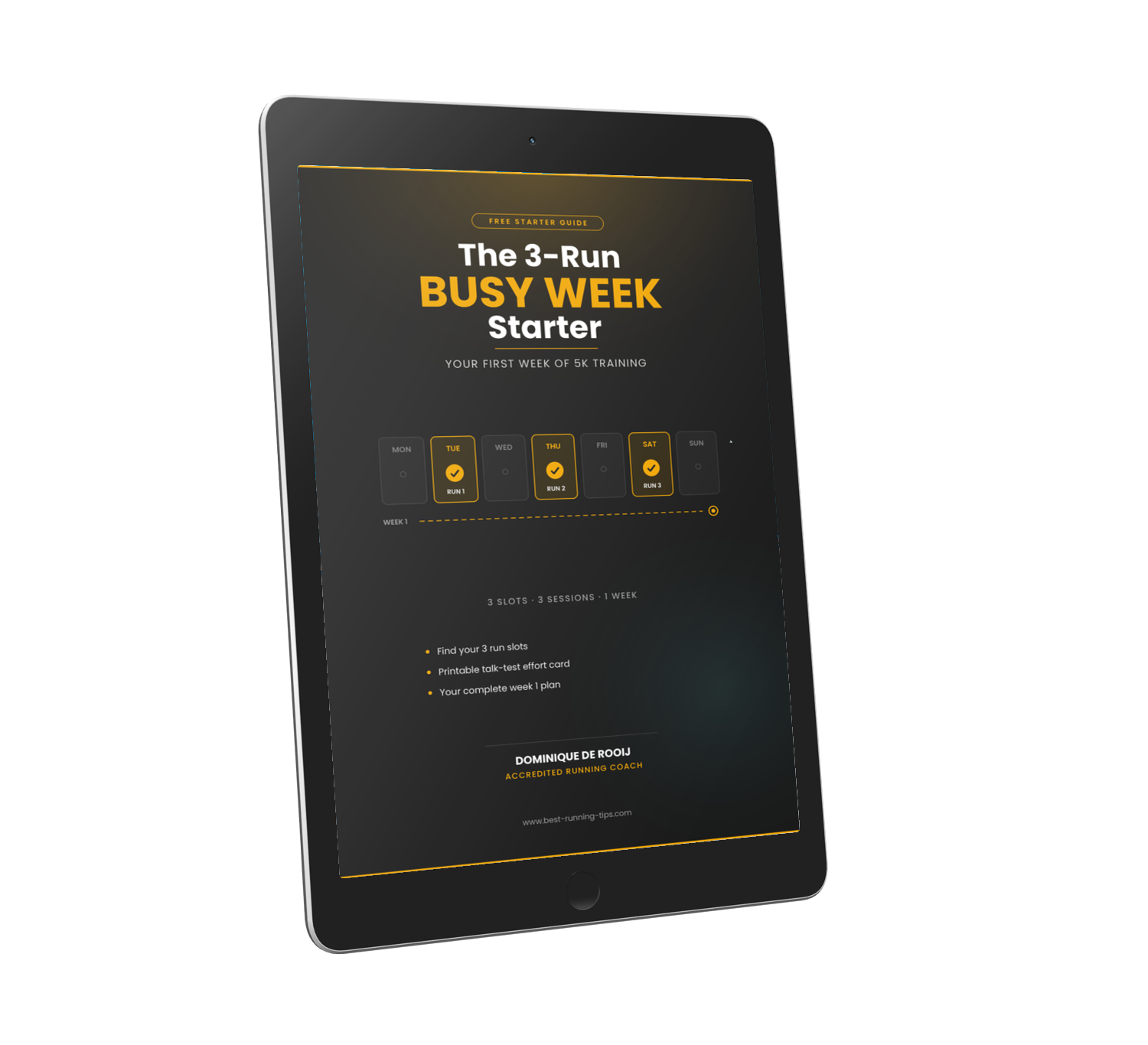
Free beginner guide • From Coach Dom
Start Running This Week, Even If Your Week Is Already Full
Most beginners don't quit for lack of motivation. They quit because their plan doesn't fit their life. The 3-Run Busy Week Starter plans your first week around the week you actually have.
- Find 3 run slots you can actually keep
- The talk test: the simple way to stop running too fast
- Your complete week 1 plan: 3 run/walk sessions, about 20 minutes each
You'll get the guide plus a short email every few days to help you through week 1. Unsubscribe any time. Privacy policy.
What's New?
-
Personalized Running Coaching - BRT | Run Smarter, Race Better
 Get a personalized running program built around your current fitness, goals, and schedule - not a generic app template. Choose from BRT Silver, Gold, or Platinum coaching with Dom, accredited running…
 -
Sample 4-Day Marathon Training Week: Base to Taper
A full 4-day-a-week marathon training schedule, phase by phase - base, build, peak, and taper - with named workouts and weekly mileage. -
Marathon Taper for a 10-12 Week Training Cycle
How to taper correctly on a compressed 10-12 week marathon plan - the right taper length, why standard advice doesn't fit, and the week-by-week structure.